Buying a laptop often feels overwhelming. Dozens of brands, confusing specs, and aggressive marketing make every model sound perfect. The truth is simple: the right laptop depends on how you plan to use it. These tips on buying a laptop cut through the noise and help you make a smart, regret-free decision. Start With Your Usage, Not the Specs Before checking processors or RAM, define your purpose. Ask yourself how you will use the laptop daily. Students need portability and long battery life Professionals need reliability and multitasking power Creators need strong graphics and high-resolution displays Gamers need powerful GPUs and cooling systems When you match the laptop to your actual needs, the right specs become obvious. Choose the Right Processor for Your Work The processor determines how fast your laptop feels. Intel Core i5 / AMD Ryzen 5 handles...
Buying a laptop often feels overwhelming. Dozens of brands, confusing specs, and aggressive marketing make every model sound perfect. The truth is simple: the right laptop depends on how you plan to use it. These tips on buying a laptop cut through the noise and help you make a smart, regret-free decision.
Start With Your Usage, Not the Specs

Before checking processors or RAM, define your purpose. Ask yourself how you will use the laptop daily.
- Students need portability and long battery life
- Professionals need reliability and multitasking power
- Creators need strong graphics and high-resolution displays
- Gamers need powerful GPUs and cooling systems
When you match the laptop to your actual needs, the right specs become obvious.
Choose the Right Processor for Your Work
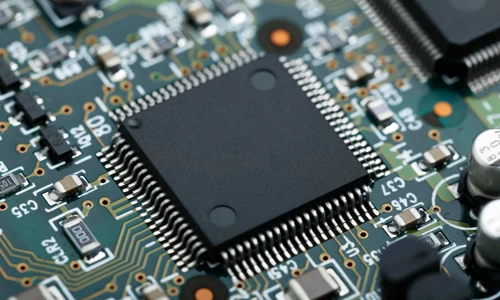
The processor determines how fast your laptop feels.
Avoid paying extra for high-end processors if your work involves browsing, writing, or streaming.
Do Not Compromise on RAM and Storage
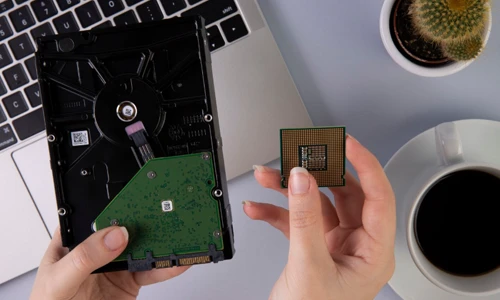
- Choose at least 16GB RAM for smooth multitasking
- Avoid 8GB if you plan to keep the laptop for several years
- Pick SSD storage, never HDD, for faster boot and app loading
A laptop with lower specs today will feel slow much sooner than you expect.
Battery Life Matters More Than Advertised Numbers
Manufacturers often exaggerate battery claims. In real-world use, expect less.
- Look for laptops rated at 10 hours or more
- ARM-based and Apple Silicon laptops usually last longer
- High-resolution displays reduce battery life faster
If you travel or work remotely, prioritize battery over raw power.
Pay Attention to Display and Keyboard Quality

You interact with the screen and keyboard every day. Poor quality quickly becomes frustrating.
- Choose Full HD (1080p) or higher resolution
- Prefer IPS or OLED panels for better color and viewing angles
- Test keyboard comfort and trackpad responsiveness
These details affect daily comfort more than benchmark scores.
Ports, Build Quality, and Upgradability

Modern laptops often sacrifice ports for thin designs. Make sure the laptop supports your accessories.
- USB-C, USB-A, HDMI, and headphone jack still matter
- Metal builds last longer than plastic shells
- Some laptops allow RAM or SSD upgrades, which adds long-term value
These practical checks often separate good laptops from great ones.
Set a Budget and Stick to It
Expensive does not always mean better. Mid-range laptops often deliver the best balance of performance and longevity.
Spend more only if your work truly demands it.
Following these tips helps you avoid overpaying and underbuying at the same time. When you focus on usage, essential specs, battery life, and build quality, you end up with a laptop that stays fast, reliable, and enjoyable for years. The best laptop is not the most powerful one, but the one that fits your life perfectly.

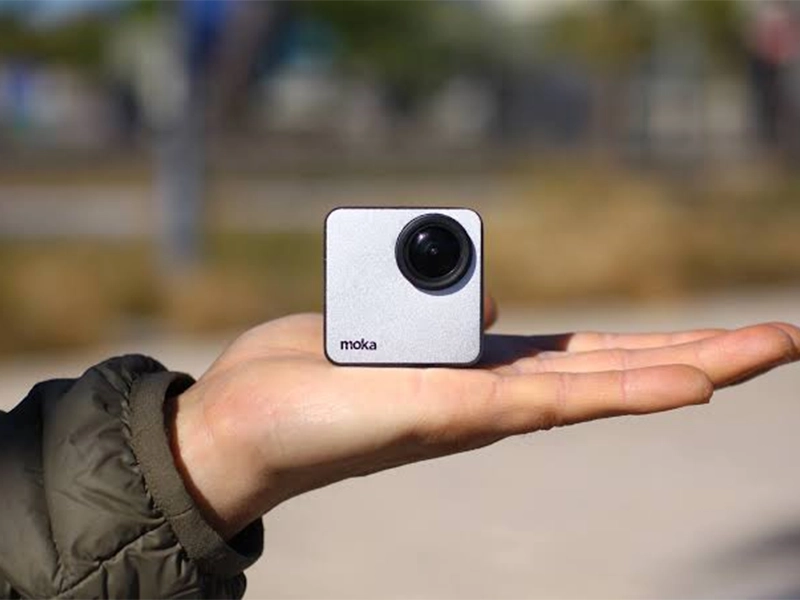

The Mokacam 4K Sports and Action Camera: Tiny but Powerful
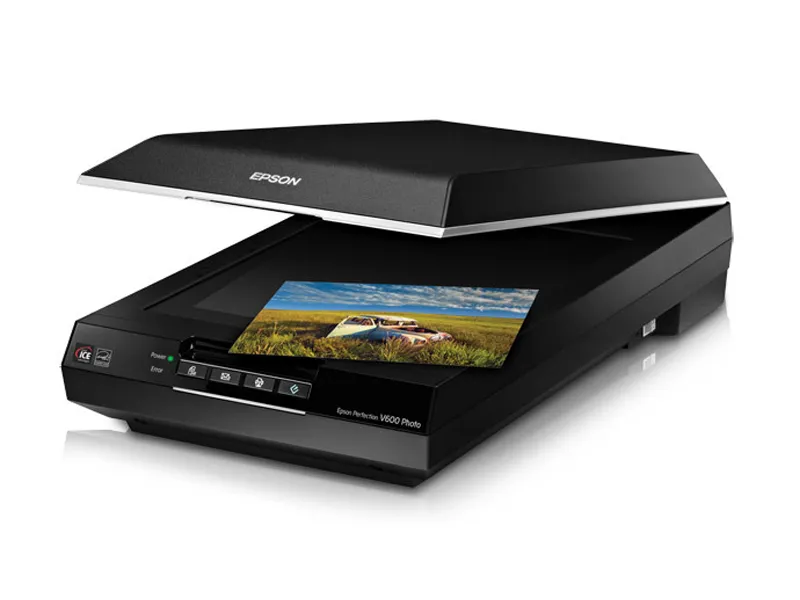
How to Choose the Best Document Scanner for Your Needs
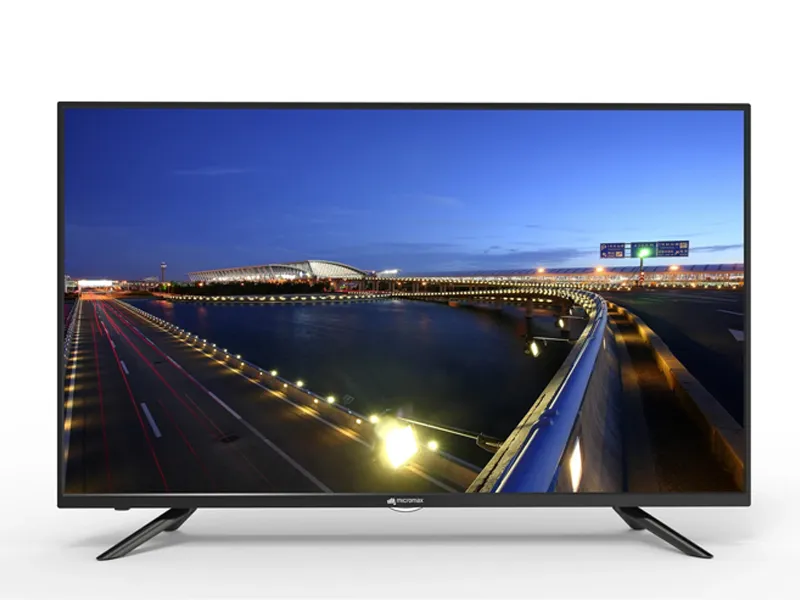
Micromax 50 Inch LED TV: Should You Still Buy It?
What Percentage of Homes Have Smart Devices?