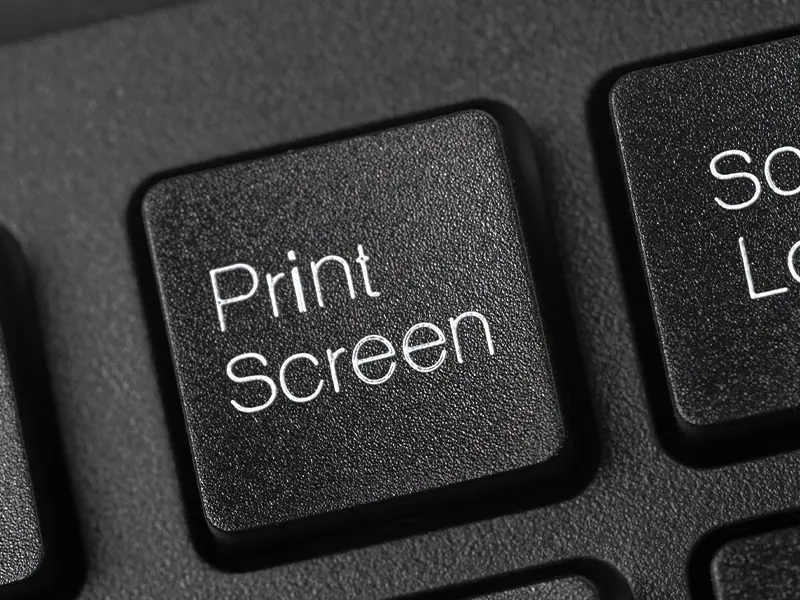
Print Screen Not Working? Here’s How to Fix It
If Print Screen is not working, try using Windows + Shift + S to open the Snipping Tool. If that works, check your keyboard settings, clipboard history, screenshot permissions, and background applications that may be overriding the Print Screen key. Most screenshot issues can be fixed by enabling Print Screen shortcuts, updating keyboard drivers, or […]