Your laptop camera is always there, quietly staring back. Most of the time, it’s harmless. But in the wrong hands, it can turn into a silent surveillance tool. That’s where a webcam privacy shutter steps in. It’s a simple physical cover that blocks your camera when it’s not in use, acting like a digital “eye patch” for your device. In an era of rising cyber threats, this tiny accessory is becoming an essential part of personal security. Why Webcam Hacking Is a Real Concern Cybercriminals don’t always need complex attacks. Sometimes, all it takes is malware or a compromised app to gain access to your webcam. Once accessed, attackers can: Record video without your knowledge Capture sensitive surroundings or documents Monitor your daily activities Even major figures like Mark Zuckerberg have been spotted covering their laptop cameras, highlighting how widespread...
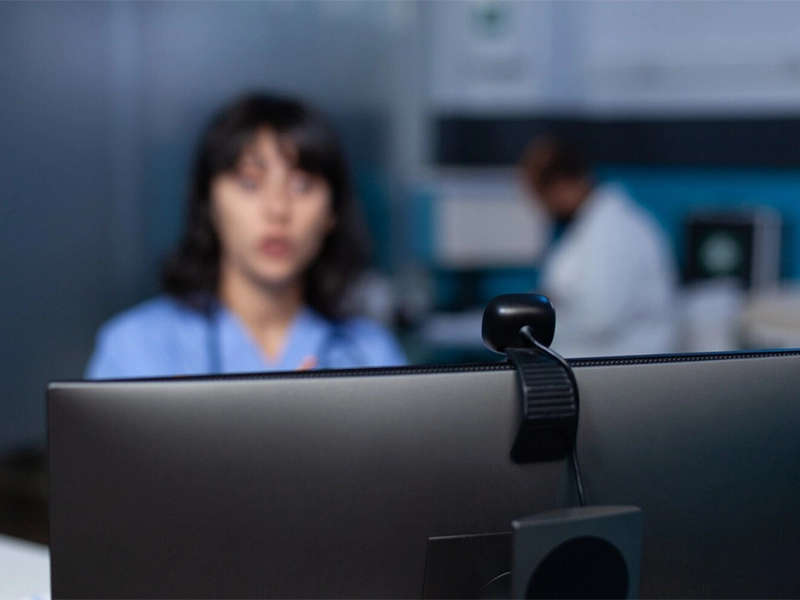
Your laptop camera is always there, quietly staring back. Most of the time, it’s harmless. But in the wrong hands, it can turn into a silent surveillance tool. That’s where a webcam privacy shutter steps in. It’s a simple physical cover that blocks your camera when it’s not in use, acting like a digital “eye patch” for your device.
In an era of rising cyber threats, this tiny accessory is becoming an essential part of personal security.
Why Webcam Hacking Is a Real Concern
Cybercriminals don’t always need complex attacks. Sometimes, all it takes is malware or a compromised app to gain access to your webcam.
Once accessed, attackers can:
- Record video without your knowledge
- Capture sensitive surroundings or documents
- Monitor your daily activities
Even major figures like Mark Zuckerberg have been spotted covering their laptop cameras, highlighting how widespread the concern is.
How a Webcam Privacy Shutter Works
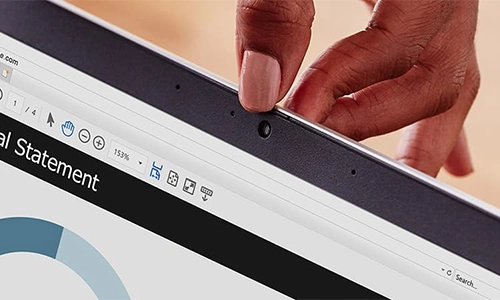
A webcam privacy shutter is refreshingly low-tech.
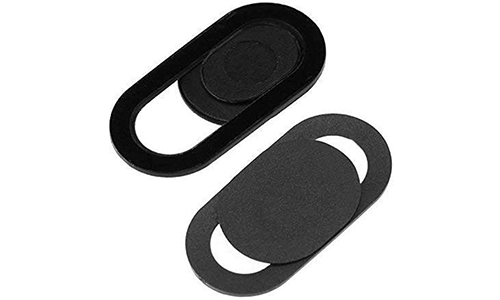
It’s usually a small sliding cover that sits over your camera lens. When closed, it physically blocks the camera, making it impossible for any software to capture video. No hacking trick can bypass a physical barrier. That’s what makes it so effective.
Why It’s Better Than Software Protection
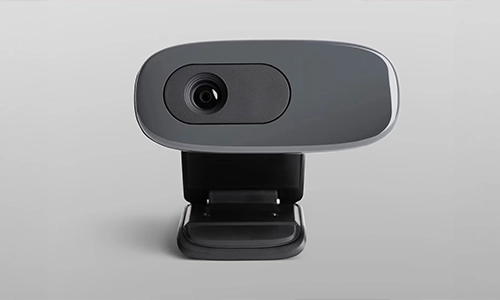
Sure, antivirus tools and permissions settings help. But they are still software-based, which means they can be bypassed.
A webcam privacy shutter offers:
- 100% visual blocking
- No reliance on software security
- Instant on/off control
- Peace of mind during private moments
Think of it as the difference between locking a door digitally and placing a solid barrier in front of it.
Built-In vs External Shutters
Many modern laptops now include built-in shutters, but millions of older devices don’t.
For those, external options are:
They are inexpensive, easy to install, and barely noticeable during daily use.
When Should You Use It?
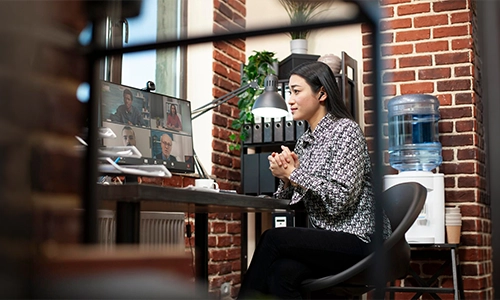
A webcam privacy shutter should be closed whenever your camera isn’t actively in use.
Especially during:
- Work-from-home sessions
- Private meetings or calls
- General browsing or idle time
It’s a small habit that adds a strong layer of protection.In cybersecurity, the simplest solutions are often the most effective. A webcam privacy shutter doesn’t rely on updates, algorithms, or AI. It just works. Quietly, reliably, and instantly. In a world full of invisible threats, sometimes the best defense is something you can actually see.




Can a Smart Home Work Without Internet? Explained
Solana’s Worth in Future: What Could 1 SOL Be Worth?
How to Wake Up the System From Sleep Mode on Any Computer
The Mokacam 4K Sports and Action Camera: Tiny but Powerful