Samsung is no longer content with owning your smartphone. With the launch of the Samsung Internet Browser on Windows, the company is stepping directly into desktop territory, taking on giants like Chrome and Edge. But this is not just another browser port. Samsung is blending cross-device continuity with AI-powered browsing, turning its once mobile-first app into a full-scale productivity tool. After months in beta, the browser is now officially available for Windows 10 and Windows 11 users worldwide, marking a major shift in Samsung’s software strategy. Perplexity AI Turns Browsing Into an Active Experience The standout feature of the Samsung Internet Browser is its integration with Perplexity AI, transforming how users interact with the web. Instead of just searching and scrolling, users can now: Ask questions in natural language Summarize entire webpages instantly Analyze multiple tabs at once Even extract...
Samsung is no longer content with owning your smartphone. With the launch of the Samsung Internet Browser on Windows, the company is stepping directly into desktop territory, taking on giants like Chrome and Edge.
But this is not just another browser port. Samsung is blending cross-device continuity with AI-powered browsing, turning its once mobile-first app into a full-scale productivity tool. After months in beta, the browser is now officially available for Windows 10 and Windows 11 users worldwide, marking a major shift in Samsung’s software strategy.
Perplexity AI Turns Browsing Into an Active Experience
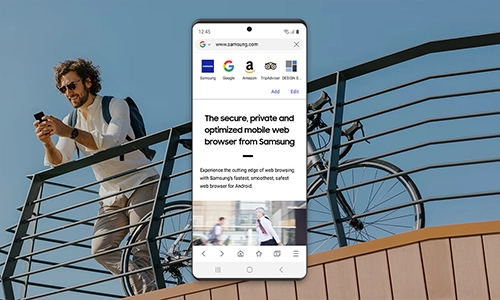
The standout feature of the Samsung Internet Browser is its integration with Perplexity AI, transforming how users interact with the web.
Instead of just searching and scrolling, users can now:
- Ask questions in natural language
- Summarize entire webpages instantly
- Analyze multiple tabs at once
- Even extract insights from videos
The browser doesn’t just display information. It understands context across tabs and content, acting more like an AI assistant than a traditional browser.
In practical terms, you could open a travel blog and ask the browser to build a full itinerary. The AI reads the page, processes it, and delivers results instantly.
Seamless Phone-to-PC Continuity
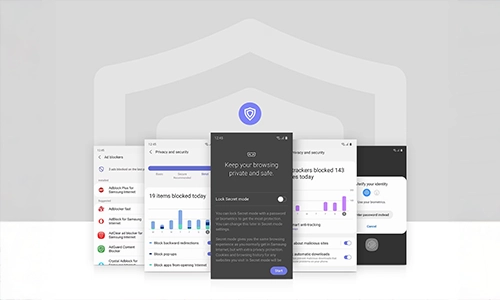
Samsung’s real power play lies in its ecosystem.
The Samsung Internet Browser allows users to:
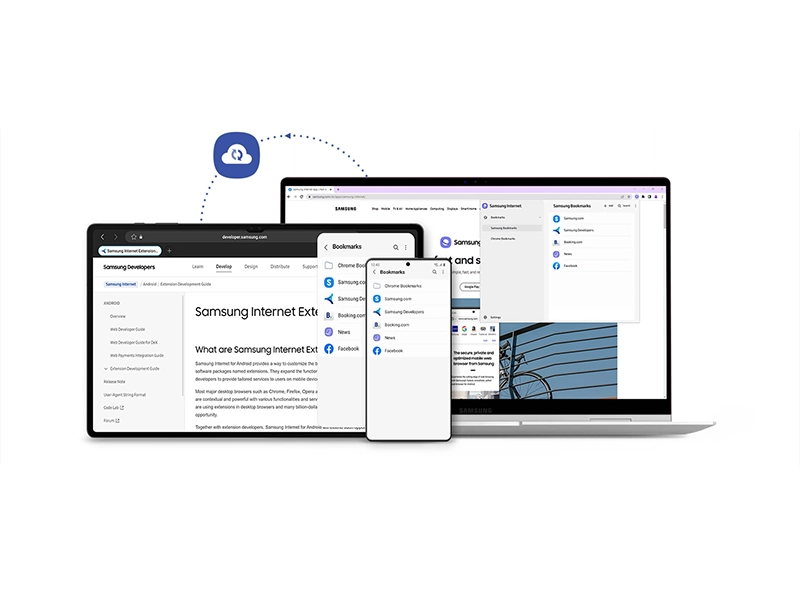
- Continue browsing from phone to PC at the exact scroll position
- Sync bookmarks, history, and tabs
- Autofill passwords using Samsung Pass
This goes beyond basic syncing. It creates a continuous browsing experience across devices, where your session flows effortlessly between screens.
Built for the Era of AI Browsers
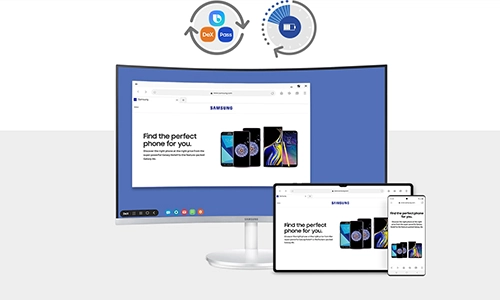
The browser also introduces “agentic AI” capabilities, meaning it can take actions based on your requests.
Examples include:
- Finding a specific moment inside a video
- Searching browsing history using plain English
- Generating notes or summaries across tabs
These features hint at a bigger shift: browsers evolving from passive tools into active digital assistants.
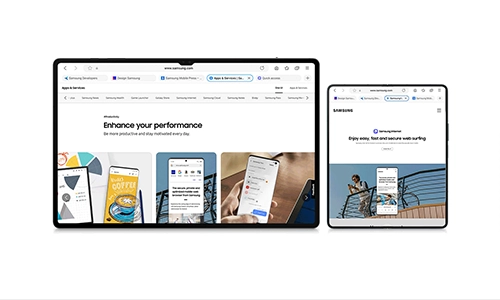
The launch of the Samsung Internet Browser on Windows is more than just a platform expansion. It signals a new battleground in tech: AI-powered browsing. With competitors like Google integrating Gemini and startups like Perplexity building AI-first browsers, Samsung is positioning itself right in the middle of this shift.
The Samsung Internet Browser is no longer just a mobile alternative. It is evolving into a cross-device AI platform that understands, analyzes, and assists. If this trend continues, the browser of the future won’t just help you find information. It will do the work for you.




Can a Smart Home Work Without Internet? Explained
Solana’s Worth in Future: What Could 1 SOL Be Worth?
How to Wake Up the System From Sleep Mode on Any Computer
The Mokacam 4K Sports and Action Camera: Tiny but Powerful