Battery saving mode, often called power saving mode, is a built-in feature that reduces your device’s energy consumption. It limits background activity, lowers performance, and adjusts system settings to extend battery life when you’re running low. Think of it as your device shifting from sprint to endurance pace. What Does The Battery Saver Do? When you enable battery saver, your phone or laptop typically: Reduces CPU performance Limits background app refresh Lowers screen brightness Disables visual effects and animations Restricts location and syncing These small adjustments collectively slow down power drain and help you squeeze more hours from the same charge. How Do I Turn On The Battery Saver? On Most Smartphones Open Settings Tap Battery Toggle Battery Saver / Power Saving Mode You can also enable it quickly from the quick settings panel on many devices. Battery Saver Mode...
Battery saving mode, often called power saving mode, is a built-in feature that reduces your device’s energy consumption. It limits background activity, lowers performance, and adjusts system settings to extend battery life when you’re running low.
Think of it as your device shifting from sprint to endurance pace.
What Does The Battery Saver Do?
When you enable battery saver, your phone or laptop typically:
- Reduces CPU performance
- Limits background app refresh
- Lowers screen brightness
- Disables visual effects and animations
- Restricts location and syncing
These small adjustments collectively slow down power drain and help you squeeze more hours from the same charge.
How Do I Turn On The Battery Saver?
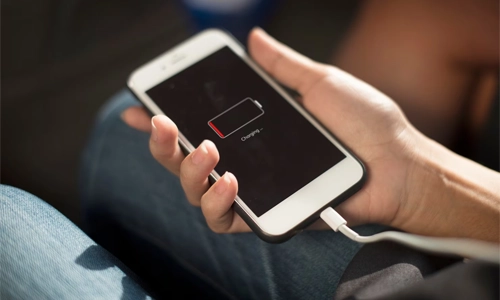
On Most Smartphones
- Open Settings
- Tap Battery
- Toggle Battery Saver / Power Saving Mode
You can also enable it quickly from the quick settings panel on many devices.
Battery Saver Mode On Android
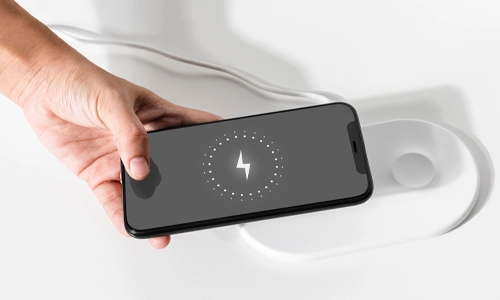
On Android devices, battery saver mode android usually offers extra customization.
You may be able to:
- Set it to turn on automatically at a certain percentage
- Limit background data
- Switch to extreme power saving for emergency use
Manufacturers often add their own enhancements, but the core goal remains the same: longer battery life.
Does Battery Saver Slow Down Charging?
No, battery saver does not directly slow charging speed. Charging speed depends on the charger, cable, and device hardware.
However, because fewer background processes run, your battery may appear to charge more efficiently.
Does Battery Saver Damage The Battery?
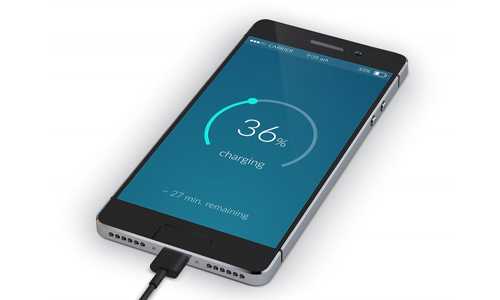
Not at all. Using power saving mode is completely safe.
In fact, reducing heat and heavy processing can help minimize battery stress over time, which may contribute to healthier long-term performance.
When Should You Use Power Saving Mode?
It’s most useful when:
- Your battery drops below 20–30%
- You’re traveling or away from a charger
- You need your phone to last through the day
- You’re not doing performance-heavy tasks
For gaming or video editing, it’s better to keep it off to maintain full performance.
FAQs
1. What is power saving mode used for?
Power saving mode reduces background activity and performance to extend battery life when your device is running low on charge.
2. Does battery saver turn off apps?
It doesn’t uninstall apps, but it limits background activity and syncing to reduce power consumption.
3. Can I keep battery saver on all the time?
Yes, but your device may run slower and some notifications or updates could be delayed.
4. Does power saving mode affect performance?
Yes. It may reduce processing speed, animations, and background tasks to conserve energy.
5. Is power saving mode the same as low power mode?
Yes. Different devices use different names, but both features work similarly to extend battery life.
Power saving mode isn’t just a last-minute rescue tool, it’s a smart way to manage energy intelligently. By understanding what battery saver does and when to use it, you can stretch battery life without sacrificing usability.
A small toggle, a big difference in how long your device keeps up with you.



Solana’s Worth in Future: What Could 1 SOL Be Worth?
How to Wake Up the System From Sleep Mode on Any Computer
The Mokacam 4K Sports and Action Camera: Tiny but Powerful
How to Choose the Best Document Scanner for Your Needs