Your smartphone is more than just a communication tool—it's your wallet, your personal assistant, and your archive of memories. With so much at stake, mobile security isn’t a luxury; it’s a necessity. As cyber threats evolve, so must our approach to keeping mobile devices secure. This blog explores practical, up-to-date tips and habits to help you safeguard your phone against breaches, scams, and data theft. Why Is Mobile Security Important? With mobile devices accessing everything from emails to bank accounts, they’ve become prime targets for hackers. Malware, phishing, spyware, and unsecured Wi-Fi networks can all lead to compromised data. Ensuring strong mobile security is essential not just for privacy, but also for personal safety and financial protection. 1. Always Keep Your OS and Apps Updated Regular updates aren’t just for new features—they patch security vulnerabilities that attackers often exploit. Enable...
Your smartphone is more than just a communication tool—it's your wallet, your personal assistant, and your archive of memories. With so much at stake, mobile security isn’t a luxury; it’s a necessity. As cyber threats evolve, so must our approach to keeping mobile devices secure. This blog explores practical, up-to-date tips and habits to help you safeguard your phone against breaches, scams, and data theft.
Why Is Mobile Security Important?
With mobile devices accessing everything from emails to bank accounts, they’ve become prime targets for hackers. Malware, phishing, spyware, and unsecured Wi-Fi networks can all lead to compromised data. Ensuring strong mobile security is essential not just for privacy, but also for personal safety and financial protection.
1. Always Keep Your OS and Apps Updated
Regular updates aren’t just for new features—they patch security vulnerabilities that attackers often exploit. Enable auto-updates where possible, especially for your operating system, web browsers, and finance-related apps.
Pro Tip: Check your phone’s settings once a week for any pending updates.
2. Use Strong Lock Screen Protection
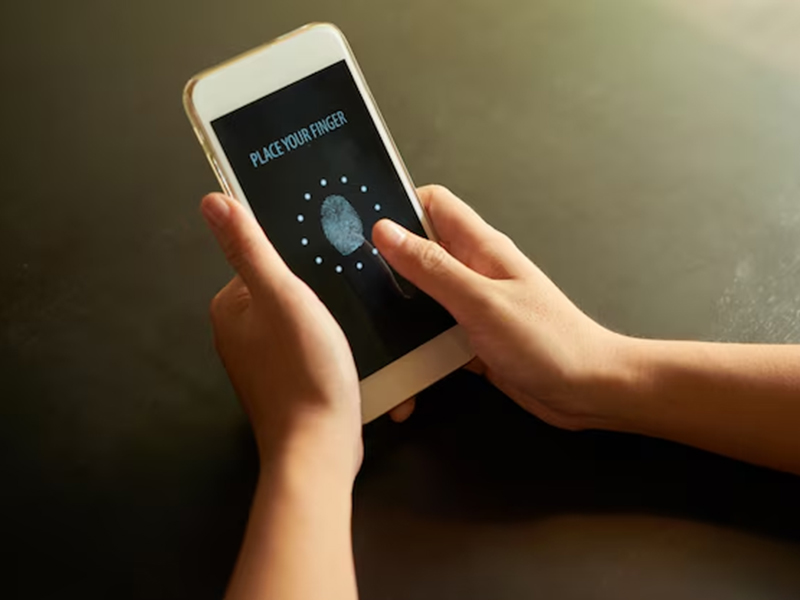
A passcode, PIN, fingerprint, or facial recognition can prevent unauthorized access to your device.
Avoid using obvious passwords like “1234” or your birthdate.
For maximum mobile security, enable two-factor authentication (2FA) on apps whenever available.
3. Download Apps Only from Trusted Sources
Avoid third-party app stores and sideloading APKs. The Google Play Store and Apple App Store offer vetting processes to reduce the risk of malware.
Warning Sign: Apps that ask for unnecessary permissions (like a flashlight app asking for camera or location access) may be collecting more than they should.
4. Secure Your Network Connections
Free Wi-Fi might seem tempting, but it's a common trap for cybercriminals. Avoid accessing sensitive information like banking apps or email on public networks.
- Use a (Virtual Private Network) when using public Wi-Fi.
- Disable auto-connect to open networks.
5. Be Cautious of Phishing Links
Mobile phishing is on the rise—through SMS, email, or even WhatsApp. Avoid clicking on suspicious links or downloading attachments from unknown senders.
Quick Test: If a message pressures you to act urgently or feels “too good to be true,” it probably is.
6. Enable Remote Wipe & Find My Phone
Both Android and iOS offer tools like Find My Device and Find My iPhone that allow you to locate, lock, or remotely erase your device in case it’s lost or stolen.
7. Avoid Rooting or Jailbreaking Your Phone
While it may give you more control, it also disables built-in security features and makes your phone vulnerable to malware.
8. Install Mobile Security Software
Reputable mobile antivirus apps can detect and block malicious behavior, including spyware and rogue apps.
Some top-rated mobile security apps include:
- Norton Mobile Security
- Bitdefender Mobile Security
- Kaspersky Mobile Antivirus
9. Review App Permissions Regularly
Many apps ask for permissions they don't need. Go to your phone settings and check which apps have access to your camera, microphone, location, etc. Revoke any that seem unnecessary.
10. Backup Your Data
In case of theft or data loss, backups ensure you don’t lose valuable information. Use secure cloud services or encrypted physical backups.
Practicing good mobile security doesn’t require technical expertise—just a few smart habits. From keeping software updated to avoiding suspicious links and securing network access, these simple measures can go a long way in keeping your mobile life safe.
Everything You Must Know About Smartphone Protection and Security
What is mobile security and why is it important?
Mobile security refers to measures and practices used to protect mobile devices from threats such as data theft, malware, and unauthorized access. With smartphones storing sensitive data—emails, financial information, personal photos—strong security is crucial to prevent breaches and privacy violations.
How can I tell if my phone has been hacked?
A: Common signs include:
- Unusual data usage
- Apps you didn’t install
- Rapid battery drain
- Slow performance
- Pop-up ads or crashes
If you notice these, install a trusted antivirus app and consider resetting your device.
Are free antivirus apps effective for mobile devices?
While some free antivirus apps provide basic protection, they often lack advanced features like anti-theft tools, phishing detection, and web filtering. Paid versions from reputable brands offer better all-around mobile security.
Can I use the same password for all my apps?
It’s strongly discouraged. Using the same password increases risk—if one account is compromised, others can easily follow. Use a password manager to create and store unique passwords for each app or service.
What should I do if I lose my smartphone?
Take these steps immediately:
- Use ‘Find My Device’ or ‘Find My iPhone’ to locate or lock your device.
- Remotely wipe data if recovery seems unlikely.
- Contact your service provider to disable the SIM card.
- Change passwords for key accounts.
Is it safe to store payment info on my phone?
Yes, provided you use secure, encrypted services like Apple Pay or Google Pay, and your phone has a strong lock screen, 2FA, and security software enabled. Avoid storing credit card details in plain text or unsecured apps.
Should I allow my apps to access location and camera?
Only when absolutely necessary. Review app permissions in your settings and disable access for apps that don’t need it. Too much access can lead to privacy breaches or misuse of your data.



How Much to Invest in Ethereum Today as a Beginner
Bedtime Mode: What It Is & How to Turn It On Easily
DNS to Block Ads: How to Stop Ads on Any Device Fast
What Will a $10,000 Investment in Bitcoin Be Worth in 10 Years?