Viruses can wreak havoc on your computer, compromising your data, slowing down your system, and even causing serious security breaches. If you suspect your computer is infected, it's essential to take immediate action to remove the virus and protect your data. Signs of a Virus Infection Slow performance Your computer may start running sluggishly or freezing frequently. Unusual pop-ups or ads Unexpected advertisements or pop-ups may appear on your screen. Strange files or folders You may notice new files or folders that you didn't create. Unexpected programs Your computer may start running programs or processes that you didn't initiate. Data corruption or loss Your files may become corrupted or deleted. Steps to Remove a Virus Disconnect from the internet To prevent the virus from spreading further, disconnect your computer from the internet. Boot into safe mode Safe mode starts your...
Viruses can wreak havoc on your computer, compromising your data, slowing down your system, and even causing serious security breaches. If you suspect your computer is infected, it's essential to take immediate action to remove the virus and protect your data.
Signs of a Virus Infection
Slow performance
Your computer may start running sluggishly or freezing frequently.
Unusual pop-ups or ads
Unexpected advertisements or pop-ups may appear on your screen.
Strange files or folders
You may notice new files or folders that you didn't create.
Unexpected programs
Your computer may start running programs or processes that you didn't initiate.
Data corruption or loss
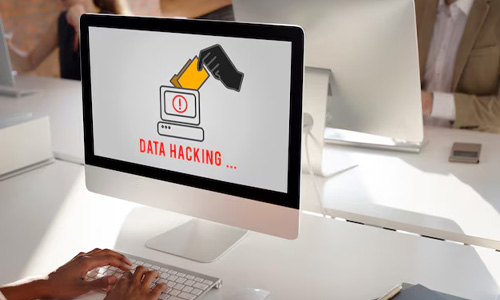
Your files may become corrupted or deleted.
Steps to Remove a Virus
Disconnect from the internet
To prevent the virus from spreading further, disconnect your computer from the internet.
Boot into safe mode
Safe mode starts your computer with a minimal set of drivers, which can help isolate the virus.
Run a reputable antivirus software
Use a trusted antivirus program to scan your computer for malware. If you don't have one installed, consider downloading a free trial version.
Remove the infected files
Once the antivirus software identifies the infected files, delete or quarantine them.
Update your operating system and software
Ensure that your operating system and other software programs are up to date with the latest security patches.
Scan for rootkits
Some viruses can hide deep within your system, so it's important to scan for rootkits using specialized tools.
Restore your computer to a previous state
If you're unable to remove the virus, you may need to restore your computer to a previous point in time.
Prevention Tips
Keep your software updated
Regularly update your operating system, antivirus software, and other programs to protect against vulnerabilities.
Be cautious of downloads
Only download files from trusted sources and avoid clicking on suspicious links or attachments.
Use strong passwords
Create strong, unique passwords for your online accounts to prevent unauthorized access.
Be mindful of public Wi-Fi
Avoid using public Wi-Fi networks for sensitive activities, as they may be less secure.
Backup your data: Regularly backup your important files to an external hard drive or cloud storage to protect against data loss.
By following these steps and practicing good security habits, you can effectively protect your computer from viruses and keep your data safe.
In conclusion, viruses can pose a significant threat to your computer's security and performance. By understanding the signs of a virus infection, following the steps outlined in this guide, and practicing sound security habits, you can effectively protect your system and data.
Remember, prevention is key. Stay vigilant, keep your software updated, and be cautious of suspicious downloads and links. With the right precautions, you can enjoy a safe and virus-free computing experience.



Solana’s Worth in Future: What Could 1 SOL Be Worth?
How to Wake Up the System From Sleep Mode on Any Computer
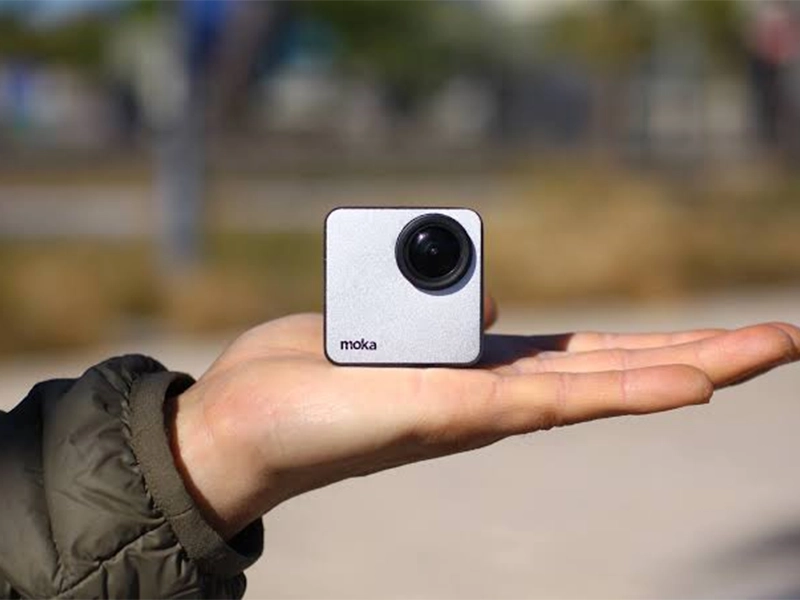
The Mokacam 4K Sports and Action Camera: Tiny but Powerful
How to Choose the Best Document Scanner for Your Needs