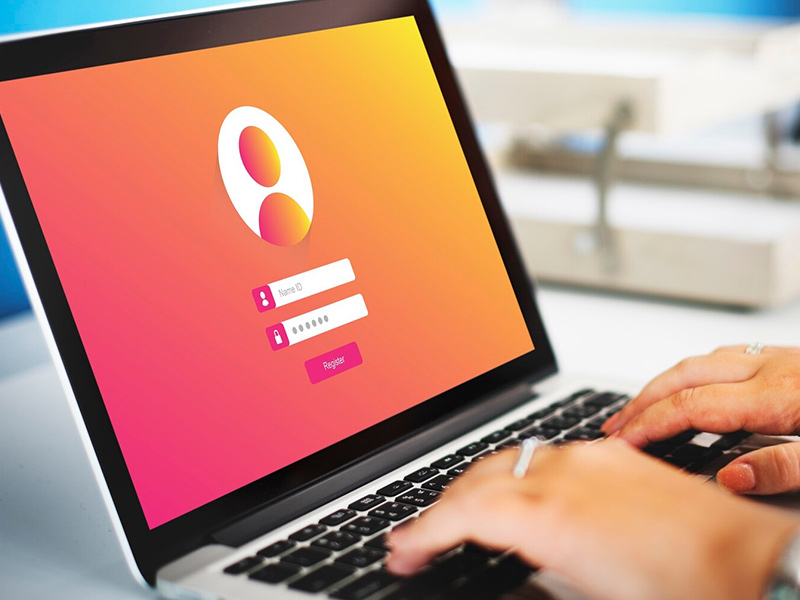
In one of the most alarming digital discoveries of recent times, Cybernews researchers have unearthed over 16 billion leaked login credentials compiled into massive datasets now circulating online. This isn’t a breach of just one company — it’s a sweeping, global exposure of passwords and usernames from platforms we all use daily, including Google, Facebook, and Apple. With this revelation, the conversation around cyber hygiene is no longer optional—it’s urgent. Whether you're a casual internet user or an enterprise IT admin, the time to act is now. What Are Leaked Login Credentials? Leaked login credentials refer to usernames and passwords that have been stolen, often through malware like infostealers, and are now exposed—sometimes on dark web forums, other times on public repositories or hacker marketplaces. In this case, the Cybernews report found that the 16 billion leaked entries came from...
In one of the most alarming digital discoveries of recent times, Cybernews researchers have unearthed over 16 billion leaked login credentials compiled into massive datasets now circulating online. This isn’t a breach of just one company — it’s a sweeping, global exposure of passwords and usernames from platforms we all use daily, including Google, Facebook, and Apple.
With this revelation, the conversation around cyber hygiene is no longer optional—it’s urgent. Whether you're a casual internet user or an enterprise IT admin, the time to act is now.
What Are Leaked Login Credentials?
Leaked login credentials refer to usernames and passwords that have been stolen, often through malware like infostealers, and are now exposed—sometimes on dark web forums, other times on public repositories or hacker marketplaces.
In this case, the Cybernews report found that the 16 billion leaked entries came from multiple data breaches over time, not a single event. These credentials were then compiled, creating a devastatingly large pool of compromised access data.
Just How Big Is 16 Billion?
| Metric |
Value |
| Total Credentials Leaked |
16,000,000,000 |
| Global Population |
~8,000,000,000 |
| Platforms Affected |
Google, Facebook, Apple, etc. |
What Is an Infostealer?
An infostealer is a type of malware that quietly infiltrates your computer or smartphone, harvesting saved login credentials, cookies, and even autofill data. Once it collects your info, it transmits it to attackers.
These malicious programs often spread through:
- Suspicious email attachments
- Infected browser extensions
- Cracked software downloads
- Fake updates or login pages
Expert Advice: How to Protect Yourself Right Now
If you’re wondering what to do in light of this colossal leak, here are 5 actionable steps you can take immediately:
1. Change Your Passwords — Now
Start with your most important accounts (email, banking, cloud storage). Don’t reuse passwords. Create strong combinations with letters, numbers, and symbols.
Pro Tip: Use a password manager to store and generate strong, unique passwords.
2. Enable Multi-Factor Authentication (MFA)
Add an extra layer of security by requiring a code, phone approval, or biometric check in addition to your password.
Tools like Google Authenticator, Authy, or a USB security key make a huge difference.
3. Use Passkeys Where Supported
Modern platforms like Apple and Google now support passkeys—passwordless sign-in methods that rely on device-level biometric verification and public key encryption.
4. Monitor for Breaches
Use tools like:
These platforms notify you if any of your login details have been exposed.
5. Stay Informed and Avoid Phishing
Never click on suspicious links or download attachments from untrusted emails. Cybercriminals often follow up on leaked credentials with targeted phishing attacks.
Why Cyber Hygiene Needs to Be a Daily Habit
The average person now has over 100 online accounts. That’s 100 potential entry points for attackers if you’re not careful.
Good cyber hygiene includes:
- Periodically changing passwords
- Keeping software and browsers up-to-date
- Avoiding unsecured Wi-Fi
- Reviewing privacy settings regularly
What Should Businesses Do?
If you're a business owner, this is a wake-up call. Encourage your employees to:
- Use company-approved password managers
- Update credentials regularly
- Participate in cybersecurity awareness training
And most importantly, implement Zero Trust security models, assuming every login is a potential risk until verified.
FAQs About Leaked Login Credentials
How do I know if my credentials were leaked?
Use HaveIBeenPwned.com to search your email or username across known breaches.
Are password managers really safe?
Yes. Reputable password managers like 1Password, Bitwarden, and Dashlane use military-grade encryption and never store your master password.
What is the safest way to store passwords?
Use a trusted password manager with MFA enabled. Avoid storing passwords in browsers or writing them down.
What should I do if I find my email in a breach?
Immediately change passwords for affected accounts, enable MFA, and review login activity.
Will MFA prevent access if my password is leaked?
Yes, MFA can block unauthorized access even if your password is compromised.
The leaked login credentials incident revealed by Cybernews is not just another cybersecurity headline—it’s a harsh reminder that your digital safety is in your hands.
Use this moment to evaluate your habits, update your protections, and share this knowledge with your friends, family, and coworkers.
Because in the age of data breaches, proactive defense is your best strategy.


Solana’s Worth in Future: What Could 1 SOL Be Worth?
How to Wake Up the System From Sleep Mode on Any Computer
The Mokacam 4K Sports and Action Camera: Tiny but Powerful
How to Choose the Best Document Scanner for Your Needs