Smartphones have become an essential part of our lives, but they also make tempting targets for thieves. A quick snatch and grab on a crowded street can leave you feeling helpless. However, Android is taking a stand against phone theft with its new Theft Detection Lock feature. Let's explore how this innovative technology works and how it can help keep your precious device safe. Theft Detection Lock: A Guardian Angel for Your Phone Theft Detection Lock leverages Google's powerful AI to identify suspicious movement patterns that might indicate a theft attempt. Imagine you're walking down the street, engrossed in a conversation, when someone suddenly snatches your phone from your hand. Theft Detection Lock kicks in here. The AI analyzes the phone's motion sensors and detects the abrupt change in direction and speed associated with a snatch. If this suspicious pattern...
Smartphones have become an essential part of our lives, but they also make tempting targets for thieves. A quick snatch and grab on a crowded street can leave you feeling helpless. However, Android is taking a stand against phone theft with its new Theft Detection Lock feature. Let's explore how this innovative technology works and how it can help keep your precious device safe.
Theft Detection Lock: A Guardian Angel for Your Phone
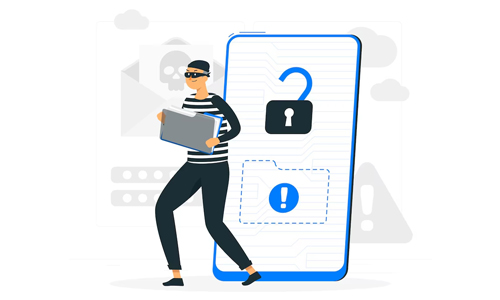
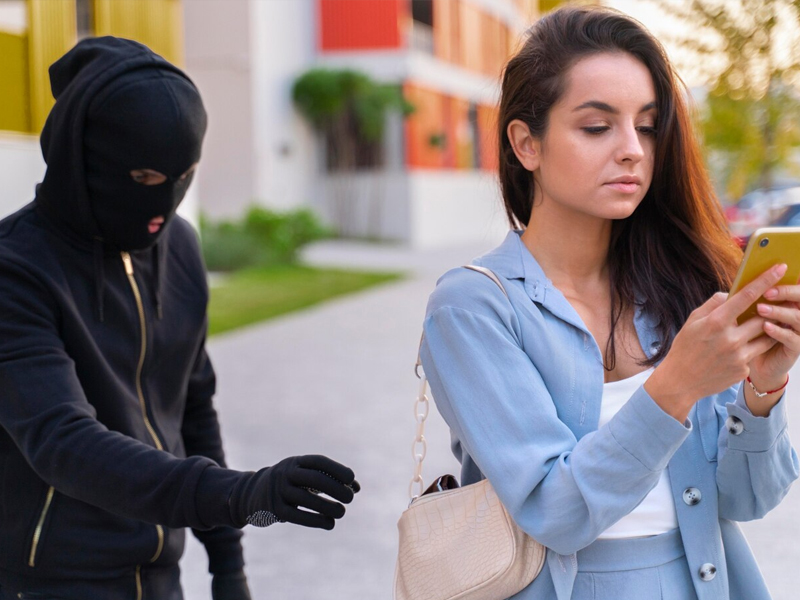
Theft Detection Lock leverages Google's powerful AI to identify suspicious movement patterns that might indicate a theft attempt. Imagine you're walking down the street, engrossed in a conversation, when someone suddenly snatches your phone from your hand. Theft Detection Lock kicks in here.
The AI analyzes the phone's motion sensors and detects the abrupt change in direction and speed associated with a snatch. If this suspicious pattern is confirmed, Theft Detection Lock immediately locks your phone screen, preventing the thief from accessing your data or disabling security features.
This precious time allows you to react. You can report the theft to the authorities, use Find My Device to locate your phone, or remotely wipe your data to protect your privacy.
Beyond Snatch and Grabs: Additional Security Measures
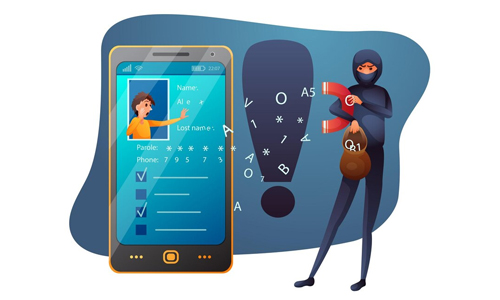
While Theft Detection Lock focuses on preventing snatch thefts, Android's new security update offers additional layers of protection:
Offline Device Lock
This feature recognizes when your phone is disconnected from the internet for an extended period, a tactic sometimes used by thieves to disable tracking features. If this happens, Offline Device Lock automatically locks your phone, adding another layer of security.
Factory Reset Protection Upgrade
Previously, a factory reset could potentially wipe your phone clean and make it easier for a thief to sell. The new update throws a wrench in that plan. Even after a factory reset, the phone will require your Google account credentials to set it up again. This discourages theft by rendering the phone unusable for anyone but the rightful owner.
Biometric Authentication for Sensitive Changes
To further tighten security, biometric authentication (fingerprint scan, facial recognition) will now be required to change critical settings like passwords or disable security features, especially when the phone is logged in from an unsecured location.
Peace of Mind with Enhanced Security
These new features from Android represent a significant step forward in smartphone security. Theft Detection Lock, combined with the other security upgrades, provides a multi-layered defense against phone theft. While no security system is foolproof, these features significantly deter theft attempts and give you valuable time to react if the worst happens.
Here are some additional tips to further protect your smartphone:
Enable Find My Device
This free service from Google allows you to locate your lost or stolen phone, remotely lock it, or even wipe your data.
Use Strong Passwords and Biometric Authentication
Don't rely on easily guessable passwords. Utilize strong, unique passwords and enable fingerprint or facial recognition for added security.
Be Mindful of Your Surroundings
Stay vigilant in crowded areas and avoid using your phone while walking in isolated locations.
By taking advantage of Android's security features and practicing safe habits, you can significantly reduce the risk of phone theft and keep your data safe.




Why Are Vertu Phones So Expensive?
Can a Smart Home Work Without Internet? Explained
Solana’s Worth in Future: What Could 1 SOL Be Worth?
How to Wake Up the System From Sleep Mode on Any Computer