Microsoft Cortana to remind promises made in mails
Uncategorized
Jan 26, 2016 |
administrator
Microsoft’s Cortana, the most successful virtual assistant is now digging deeper into use’s’ email accounts in hopes of creating more useful reminders. Cortana promises to get more intelligent over time, as it learns a user’s individual preferences, and offers a range of location-based reminders. With the latest Windows 10 Insider build, the virtual assistant will now scan for commitments that users make via email, and then offer to create a reminder. For instance, emailing “I’ll get you this report by the end of the day” to your boss will create a reminder card in Cortana’s main menu. The above shown reminder process isn’t completely automated. Users will still have to click a button in Cortana’s menu to set the reminder, so they won’t be unnecessarily pestered by reminders they didn’t intend to create. And because the email scanning happens locally...
Microsoft’s Cortana, the most successful virtual assistant is now digging deeper into use’s’ email accounts in hopes of creating more useful reminders. Cortana promises to get more intelligent over time, as it learns a user’s individual preferences, and offers a range of location-based reminders.
With the latest Windows 10 Insider build, the virtual assistant will now scan for commitments that users make via email, and then offer to create a reminder. For instance, emailing “I’ll get you this report by the end of the day” to your boss will create a reminder card in Cortana’s main menu.
The above shown reminder process isn’t completely automated. Users will still have to click a button in Cortana’s menu to set the reminder, so they won’t be unnecessarily pestered by reminders they didn’t intend to create. And because the email scanning happens locally on the device, Microsoft won’t store any email data unless users click the “set reminder” button. Users can also disable the feature entirely if they don’t want email-based reminder cards to appear.
Beyond email reminders, Cortana is also getting a bit more proactive with calendar appointments. Users will get an alert if someone sends a last-minute meeting request, or if a request falls outside of the user’s typical meeting times. The idea is that users can quickly reschedule or adjust their routines in response to these requests.
The new set of features are all ready to be rolled out to all Windows 10 users, but Microsoft is still figuring out how to bring them to Cortana on iOS and Android. Now with all these exceptional advances it is sure that Microsoft Cortana is running far ahead of it’s Google and Apple Competitors.
Blockchain is a decentralized, distributed ledger that records transactions across multiple computers. It ensures transparency, security, and immutability in data storage.
AR overlays digital information onto the real world through devices like smartphones or AR glasses, enhancing the user's perception of the environment.
IoT refers to the network of interconnected devices that communicate and share data. It enables smart homes, wearable tech, and efficient industrial processes.
AI involves creating computer systems capable of performing tasks that typically require human intelligence. It includes machine learning, natural language processing, and computer vision.
VR creates a simulated environment that users can interact with. It typically involves the use of VR headsets to provide an immersive experience.
Cybersecurity is the practice of protecting computer systems, networks, and data from digital attacks. It includes measures like firewalls, antivirus software, and encryption.



Solana’s Worth in Future: What Could 1 SOL Be Worth?
How to Wake Up the System From Sleep Mode on Any Computer
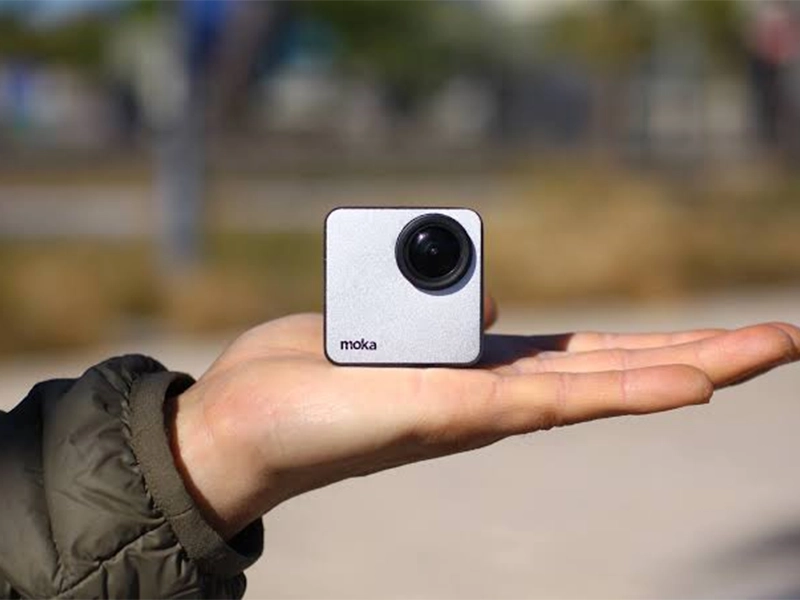
The Mokacam 4K Sports and Action Camera: Tiny but Powerful
How to Choose the Best Document Scanner for Your Needs