Smartphones are essential in our daily lives, but nothing's more frustrating than a dying battery when you need it most. Whether you're at work, traveling, or simply watching videos, here are 5 secret yet practical tips for increasing your smartphone battery that anyone can implement immediately—no tech degree required. 1. Dim Your Screen Brightness or Use Adaptive Brightness Your phone’s display eats up more battery than you think. Most of us keep it on full brightness without realizing it’s draining power rapidly. What to do: Swipe down and lower brightness manually or enable adaptive brightness in settings. Use dark mode—it consumes less power, especially on OLED screens. Result: This one change can improve battery life by up to 15–20% daily. 2. Turn Off Unused Features Like Bluetooth, Wi-Fi, and GPS Leaving Bluetooth, Wi-Fi, or GPS on all day? You’re unknowingly...
Smartphones are essential in our daily lives, but nothing's more frustrating than a dying battery when you need it most. Whether you're at work, traveling, or simply watching videos, here are 5 secret yet practical tips for increasing your smartphone battery that anyone can implement immediately—no tech degree required.
1. Dim Your Screen Brightness or Use Adaptive Brightness
Your phone’s display eats up more battery than you think. Most of us keep it on full brightness without realizing it’s draining power rapidly.
What to do:
- Swipe down and lower brightness manually or enable adaptive brightness in settings.
- Use dark mode—it consumes less power, especially on OLED screens.
Result: This one change can improve battery life by up to 15–20% daily.
2. Turn Off Unused Features Like Bluetooth, Wi-Fi, and GPS
Leaving Bluetooth, Wi-Fi, or GPS on all day? You’re unknowingly draining your battery—even when you're not using them.
What to do:
- Turn off Bluetooth when not connected to earbuds or a smartwatch.
- Disable Wi-Fi when you're not at home or work.
- Keep GPS off unless using maps or a delivery app.
- Use Airplane Mode in low-signal areas—your phone works harder searching for signal, which kills the battery faster.
3. Control Background App Activity
Many apps run in the background, refreshing content and draining your battery even when you're not using them.
What to do:
- On Android: Go to Settings → Battery → Background usage limits.
- On iPhone: Settings → General → Background App Refresh → Turn off for unnecessary apps.
- Focus on: Social media, email, and delivery apps—they’re often the worst offenders.
4. Use Battery Saver or Low Power Mode
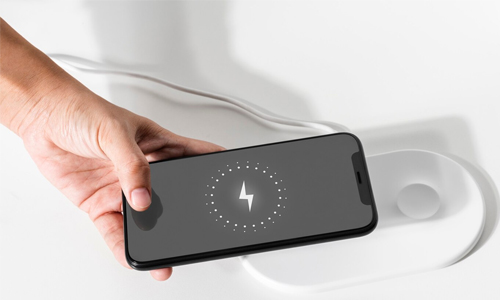
Both Android and iPhones come with built-in battery-saving modes that actually work well when enabled regularly.
What to do:
- On iPhone: Settings → Battery → Low Power Mode.
- On Android: Settings → Battery → Battery Saver.
- Don’t wait until your phone hits 20%. Use battery saver mode even when you’re above 50% if you know you’ll be away from a charger for long.
5. Avoid Full Discharges and Overnight Charging
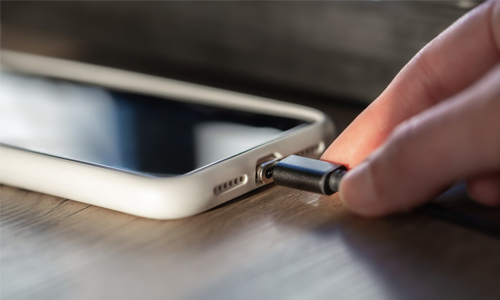
Battery health declines faster when your phone drops to 0% often—or stays plugged in at 100% overnight.
What to do:
- Keep charge levels between 30% to 80% for long-term battery health.
- Avoid fast charging unless necessary—it creates more heat and reduces battery lifespan.
- Unplug your phone once it hits 100%.
These 5 secret tips for increasing your smartphone battery don’t require any apps, accessories, or deep settings tweaks—just small habit changes. Whether you’re using Android or iPhone, following these tips can help you make it through the day with juice to spare—and preserve your phone’s battery health long-term.




The Top 10 Hackers in the World and the Countries Behind Them
When the Virtual Becomes Real: How Cyberattacks Can Cause Physical Harm
The Future of Vision: Exploring the Potential of Augmented Reality Contact Lenses
Smart Home Ready: How Fiber Internet Powers the Modern Household